Digital Signatures and Document Management for Salesforce | MyDocSafe
Accept digital signatures and stay compliant with MyDocSafe, the e-sign and document management software with full Salesforce integration. Start your FREE trial to get started.

MyDocSafe Integration
MyDocSafe Salesforce
MyDocSafe Salesforce
document management
MyDocSafe document management for Salesforce is a listed Component in Salesforce AppExchange that allows companies to place MyDocSafe e-sign button on any page where it is required. The button can be used to trigger e-signature requests for three types of documents:
See installation instructions below or contact sales@mydocsafe.com for pricing information.
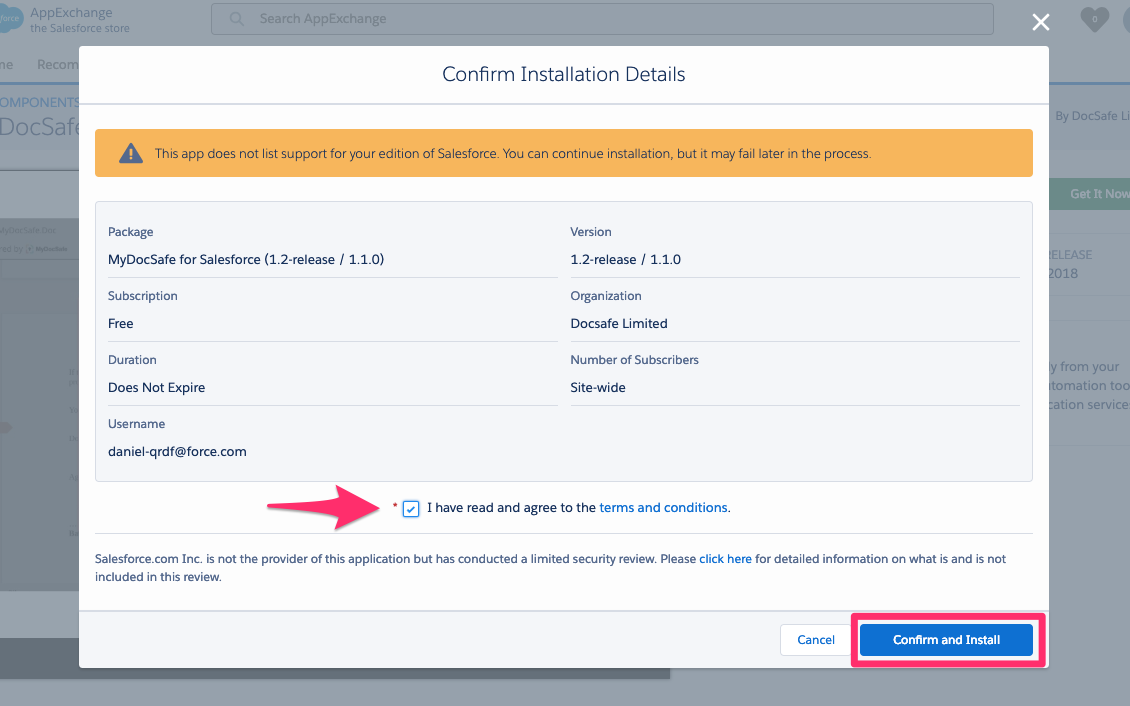
1. Choose who should have access to MyDocSafe functionality.
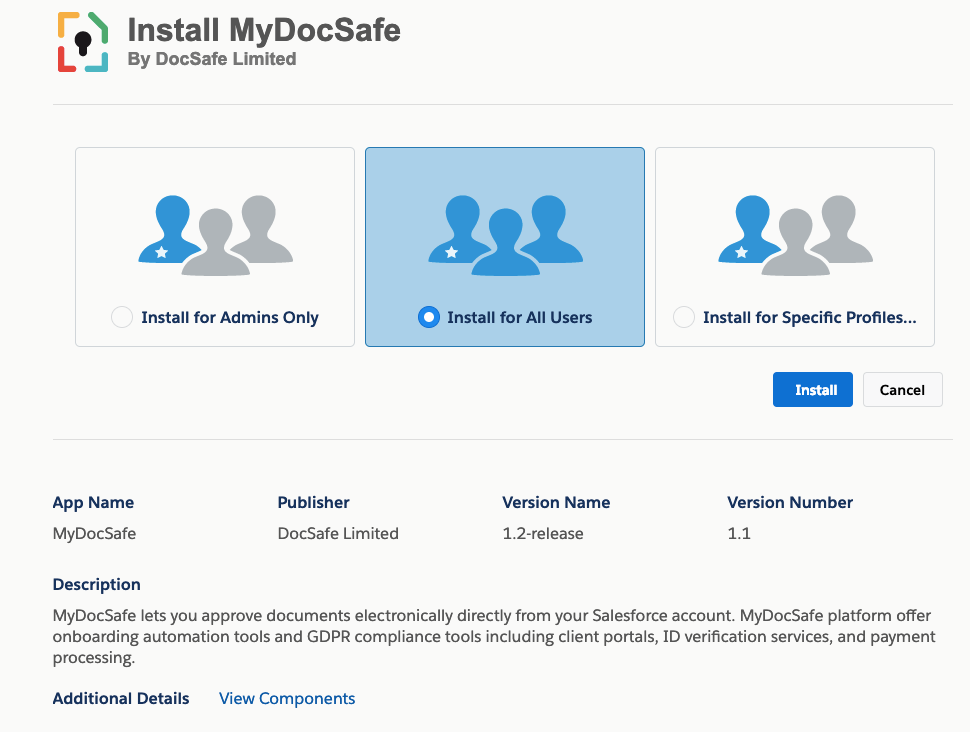
2. Grant access and click ‘Continue’.
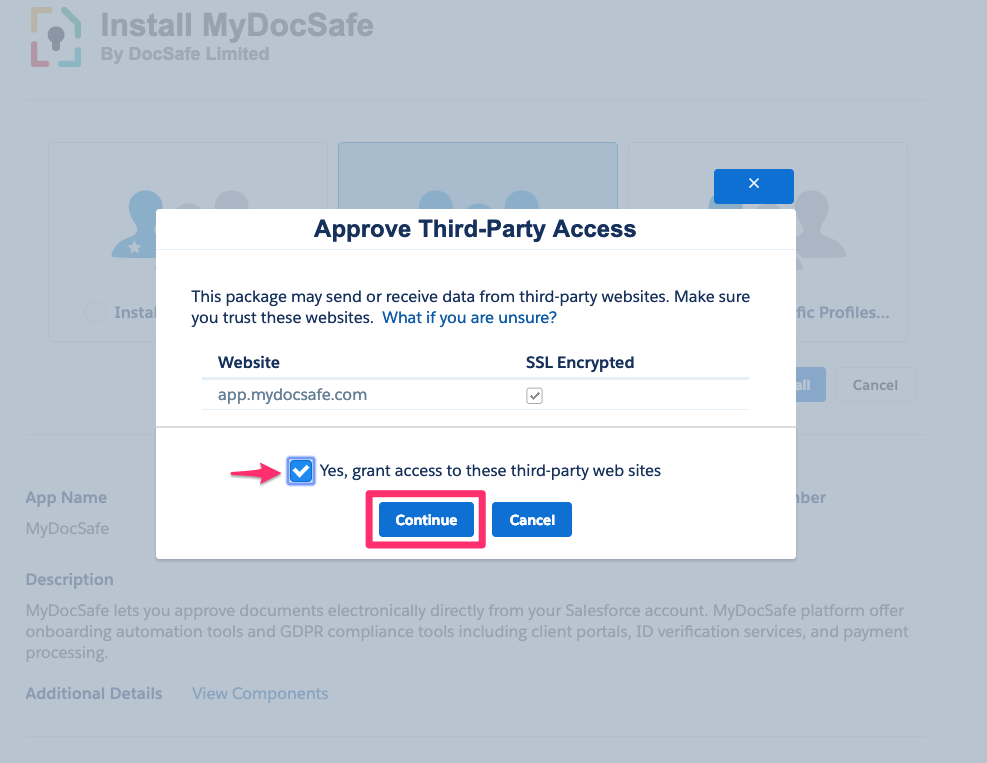
3. Wait for the installation to complete.
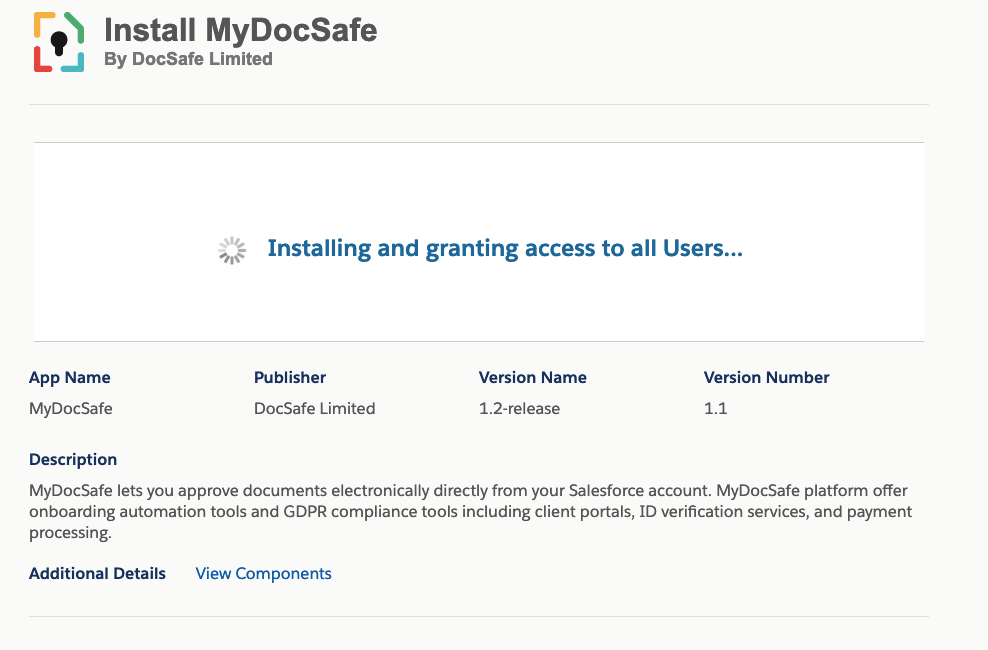
4. Click ‘Done’ when installation is completed.
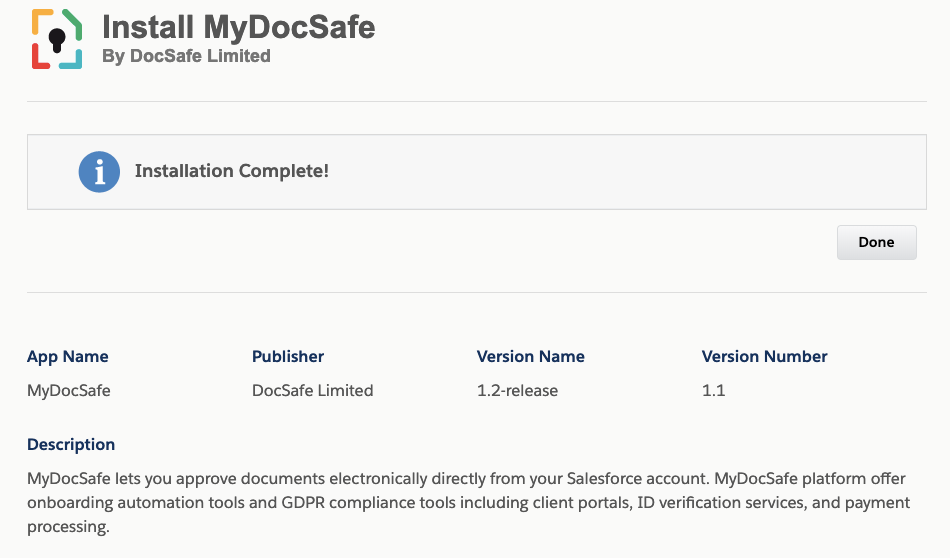
5. Review the installed package (optional).
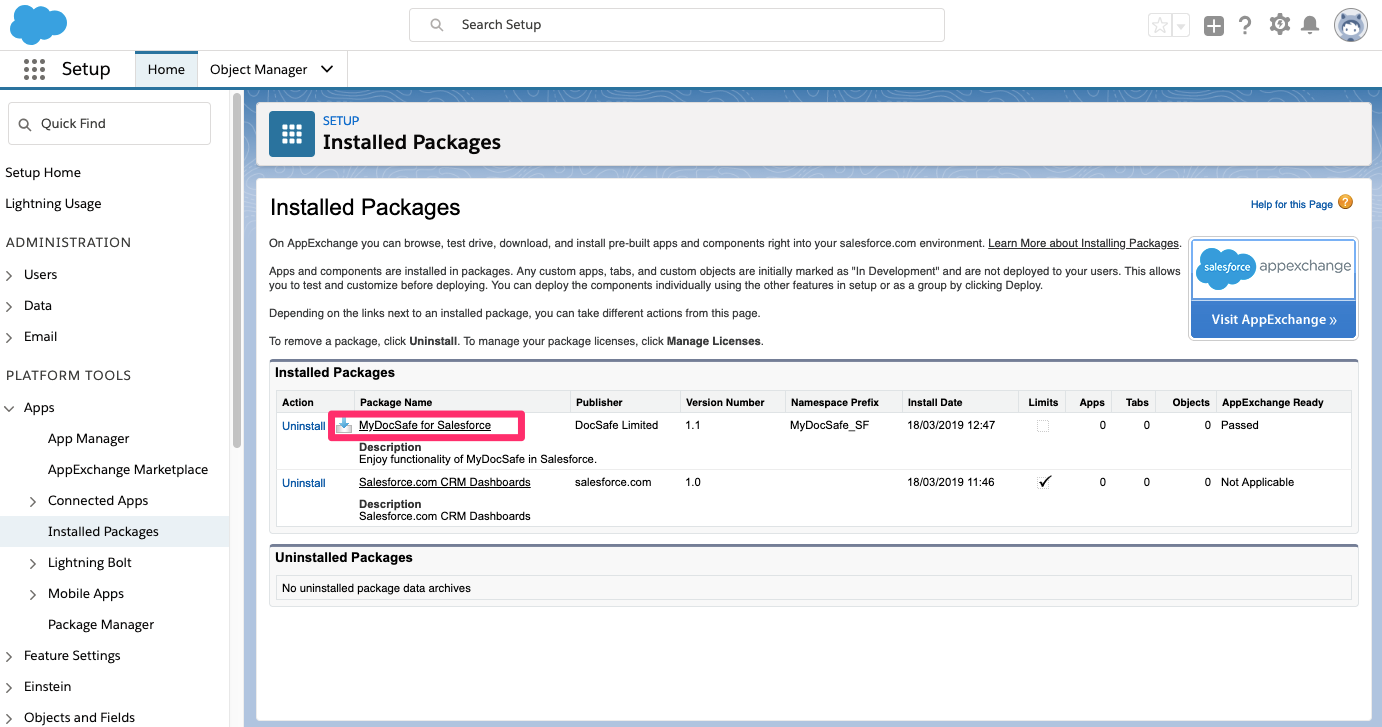
6. Review the installed package (optional).
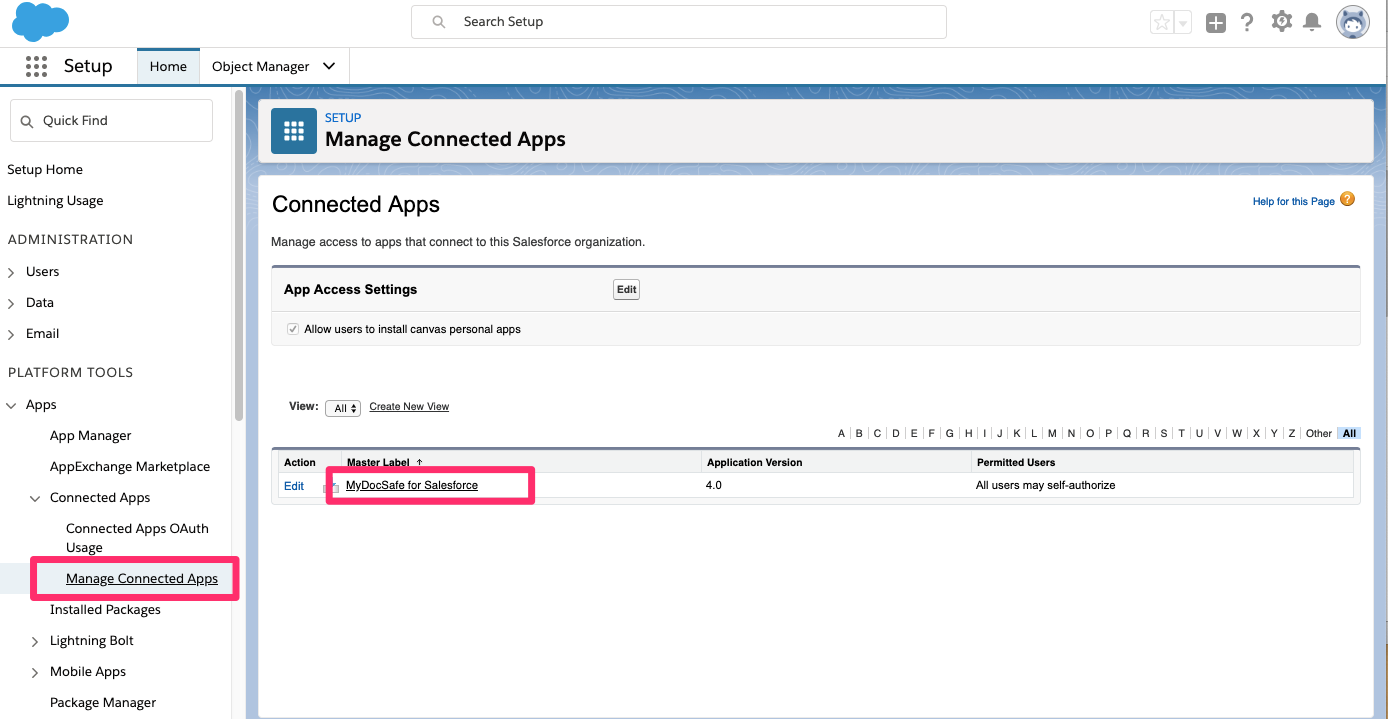
7. Go to a page where you would like to install MyDocSafe widget, click on settings ‘edit page’, then pick the Custom add in. Please note that in order for Custom add-ins to be visible, you need to activate your domain name for Salesforce first.
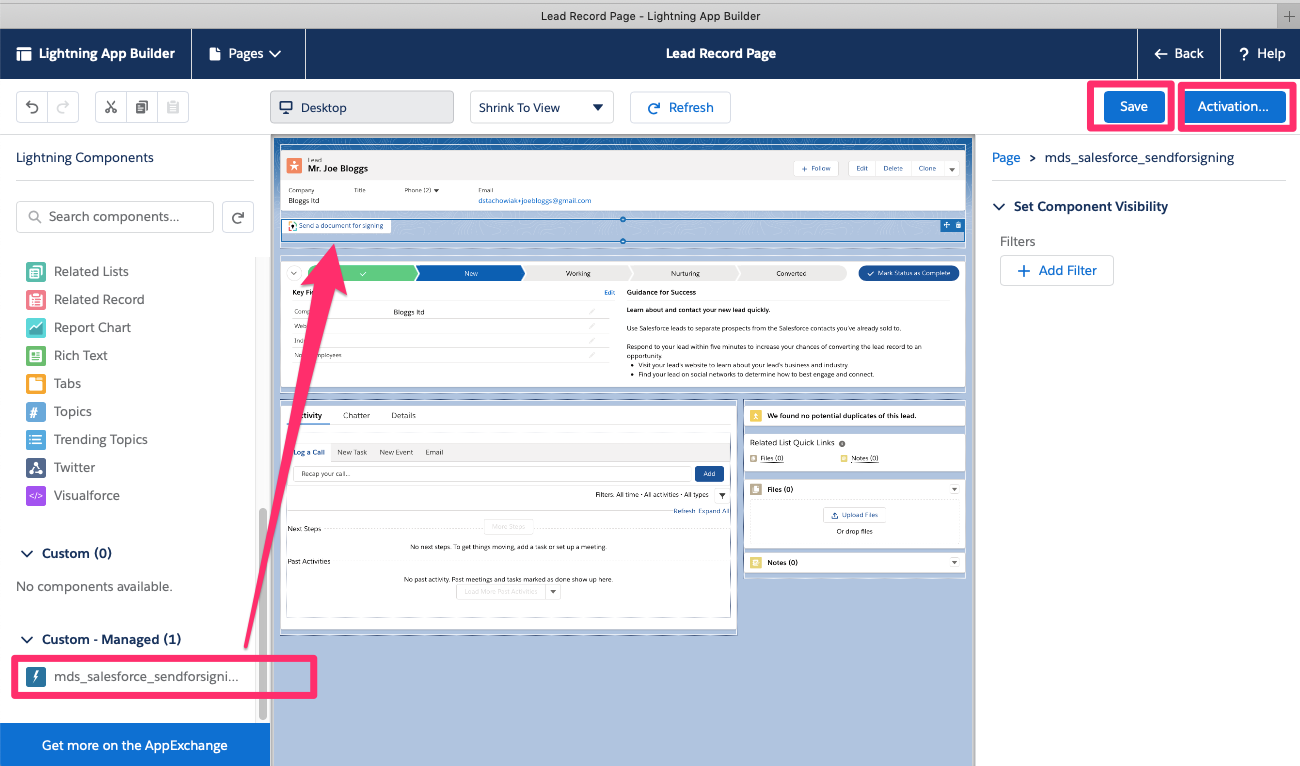
8 Activate the connection.
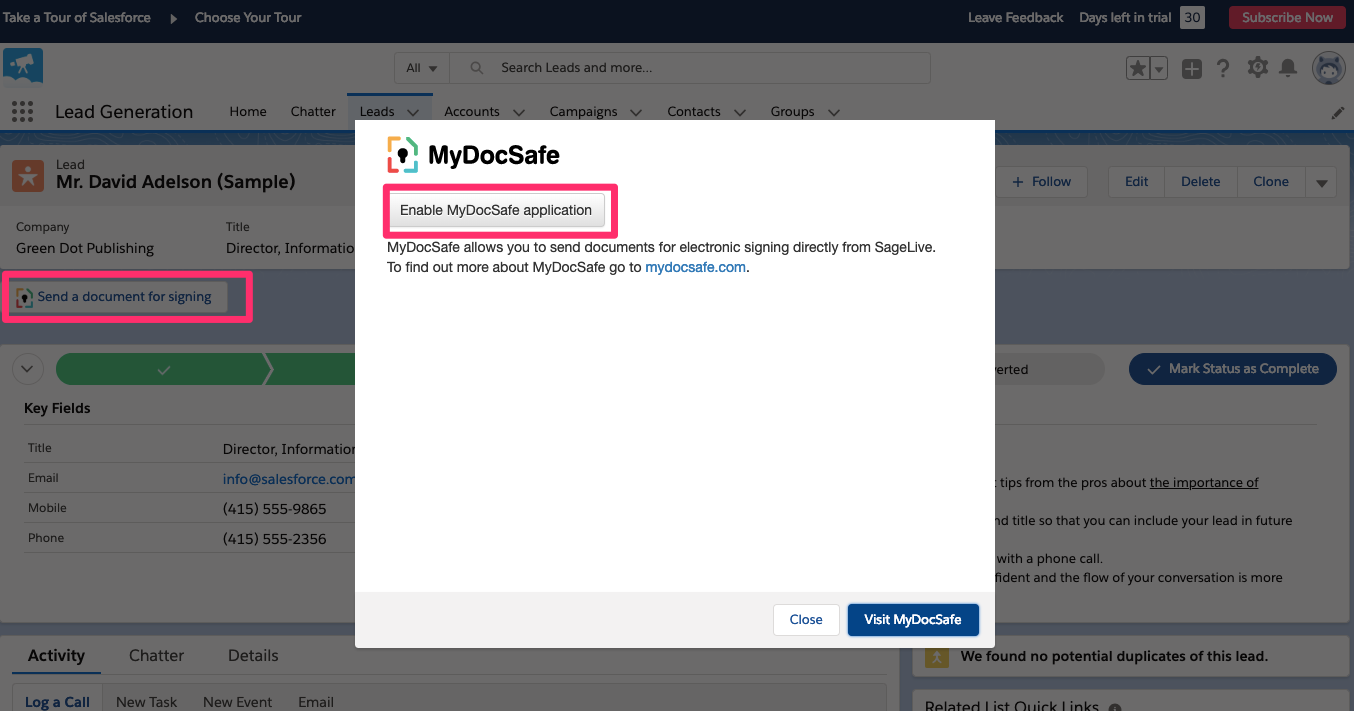
9. You are now ready to start sending documents for e-signature.
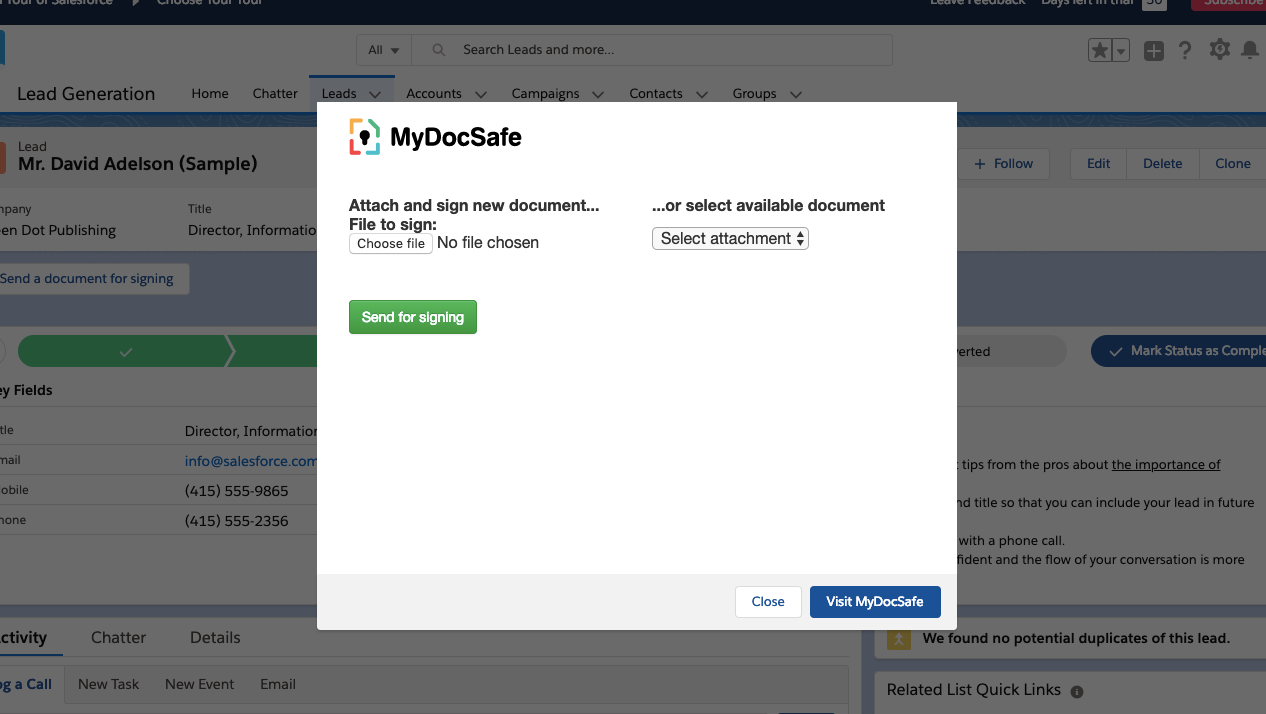
Customize MyDocSafe for your business todayLearn more
Start your free trial today
MyDocSafe is the only document security and e-sign software you need.
Start A free trial