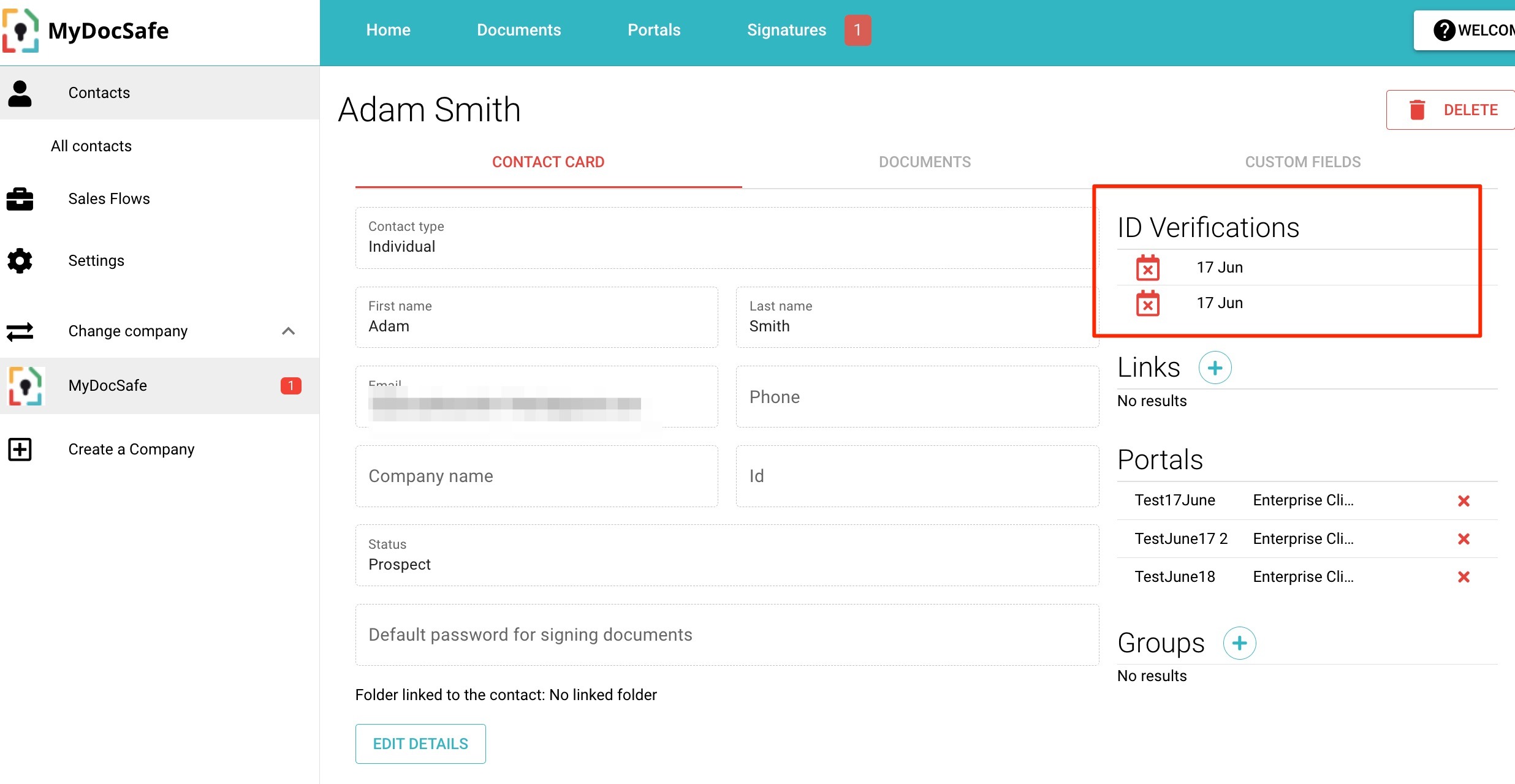
How to mark an ID verification test as expired, and why?
How to mark an ID verification test as expired, and why?
Why would you want to mark and ID verification test as expired?
The main reason is to enable a client of yours to re-run and ID test. If a client has done the test which is 'valid', we don't ask the client to redo this test if, for example, you ask the same client to run a different onboarding workflow (perhaps in a different capacity, for example, as a director of a different company). In that situation the workflow will check that the ID test has already been done for that client so it can be skipped. You save money, the client saves time.
How to mark and ID verification test as expired?
You have 2 options to do it:
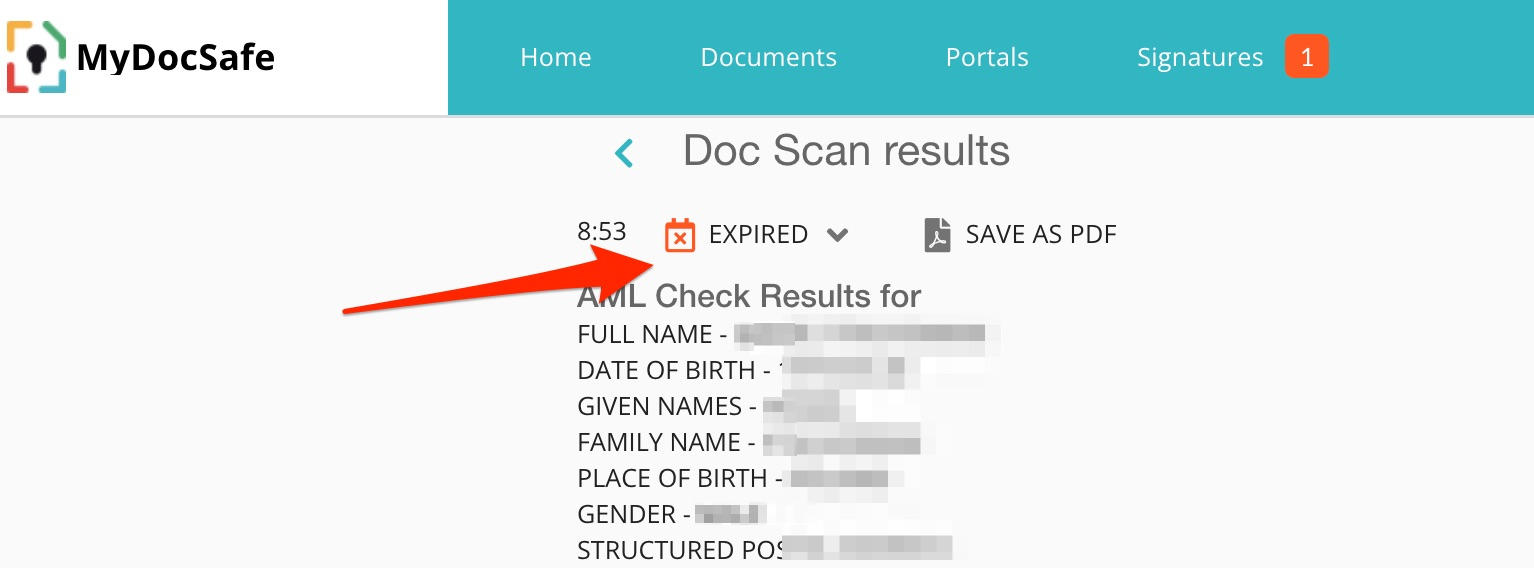
Manual - go to the ID verification test via Contacts and mark it as expired
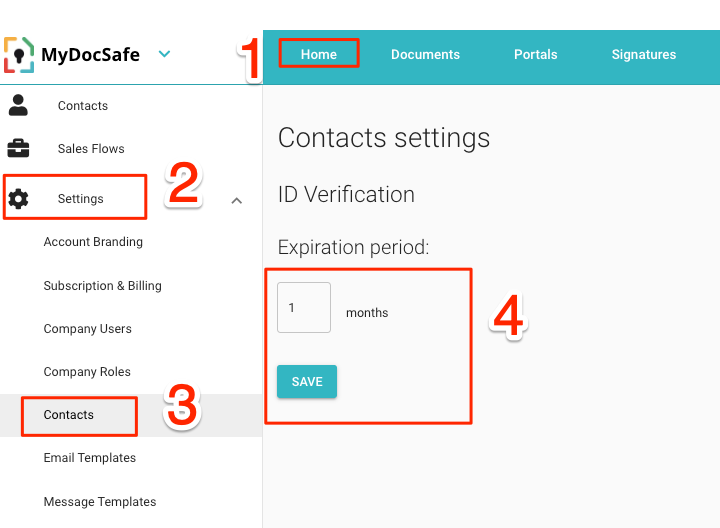
Set an automatic expiration timer which will do that job for you
Once a test is expired, it will show as such in both the contact list and in each relevant client contact sheet: