Start before the document is ready
Gather the answers and file uploads your practice needs to start a new engagement, using reusable questionnaires.
Explore this workflowUK software comparisons · Verified 19 November 2026
OpenSpace connects IRIS Accountancy Suite output to client approval. MyDocSafe brings forms, engagement documents, e-signatures and ongoing portal access into one onboarding journey. Compare the workflow your practice needs alongside the value of its existing IRIS connection.
Written by MyDocSafe. Primary sources linked below; features, allowances and prices can change.
Why consider MyDocSafe?
Gather the answers and file uploads your practice needs to start a new engagement, using reusable questionnaires.
Explore this workflowCombine information collection, contracts, e-signatures and customer portal access in one configurable onboarding sequence.
Explore this workflowShare documents through individual portals after onboarding, with access organised around the client relationship.
Explore this workflowOpenSpace already provides portals, branding, automated reminders and electronic signatures. The decision is about the workflow you need and the value of your existing IRIS connection.
| Your requirement | MyDocSafe | IRIS OpenSpace |
|---|---|---|
| Accounting workflow | Portals, e-signatures and client onboarding support accounting and bookkeeping engagements. Source | IRIS describes full integration with Accountancy Suite modules and push-button uploads. [I1] |
| Client portal | Individual portals support document sharing, data collection and contracts. Source | A branded self-service portal supports secure exchange and electronic approval. [I1] |
| Information gathering | Web forms and questionnaires collect answers for client work. Source | The product focuses on accounting document exchange and approval; confirm any wider intake requirements with IRIS. [I1] |
| Branding | Client onboarding includes brand customisation and portal access. Source | IRIS describes website access, branded portal login and templated emails. [I1] |
| Reminders | Automatic reminders follow up documents awaiting signature. Source | Automated approval messages can be set after 7, 14 or 30 days, with signing or approval notifications. [I1] |
| Signing documents | Electronic signatures are part of the wider document workflow. Source | Official help supports more than one signer within a company and draw, type or image signatures. [I4] |
| Client approval experience | Client portals keep contracts and documents available for continuing exchanges. Source | Signing uses client login, a dashboard and a final Approve action; signed documents can be downloaded with a security certificate. [I4] |
| Commercial model | Current staff-seat plans specify guest allowances and include standard signatures. Source | Existing IRIS customers can claim 1GB storage as part of membership; non-IRIS customers are directed to contact IRIS. [I1] |
You want to review the full new-client journey, including questionnaires, uploads, engagement signing and future exchanges. You are prepared to assess how that client-facing layer fits around your existing tax and accounts-production systems rather than assume it replaces them.
Your main need is moving finished accounting documents directly from IRIS Accountancy Suite into a branded client approval process. Existing membership benefits, familiar uploads and documented approval status tracking may make OpenSpace a sensible fit without adding another platform.
The client journey
A practice needs more than the final approval of accounting outputs. Bring initial details, engagement documents and future exchanges into a clear client-facing sequence.
Create the questionnaire and supporting-file request your practice needs before work can begin. Check what your team still has to chase manually.
Prepare the engagement documents and route them for electronic signing. Review consent, signers and the evidence your own procedure requires.
Return to the portal for the next exchange. Identify exactly which IRIS uploads or approval steps would remain in OpenSpace if you retained both products.
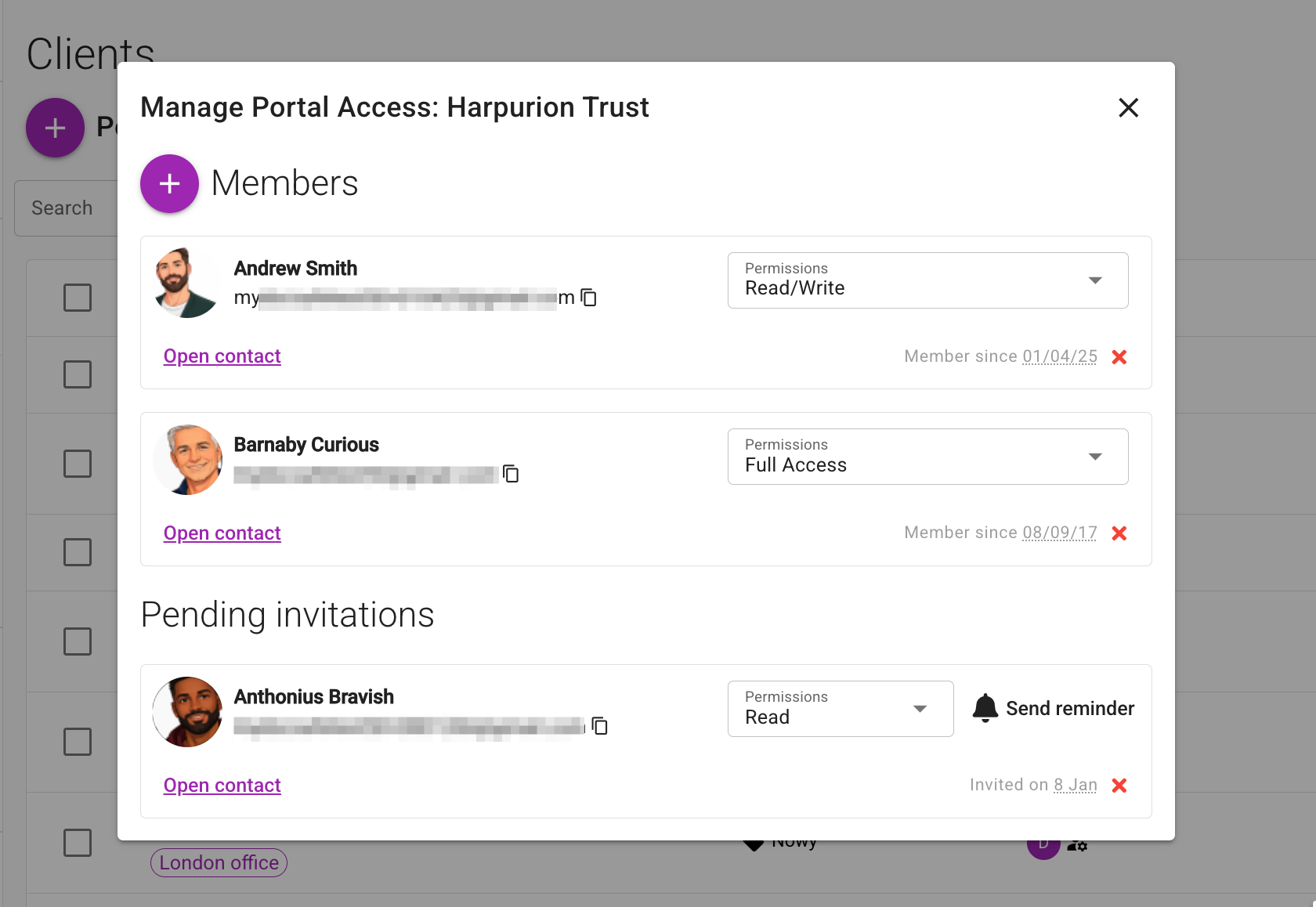
See how MyDocSafe client onboarding combines forms, file uploads, contracts and a client portal. Book a demo with your own documents.
IRIS currently says existing IRIS customers can claim 1GB of storage as part of membership. Non-IRIS customers are directed to contact IRIS. That is not evidence that OpenSpace is universally free as a standalone product.
Approval credits and additional storage can affect your OpenSpace cost. Ask IRIS for current credit, storage and VAT terms, since its published knowledge-base price articles retain historical wording.
IRIS’s approval-credit article describes charging per document, not per signer. Its no-additional-staff-or-client-access-charge terms depend on membership or an existing paid subscription. Compare the cost of your actual approval volume with MyDocSafe’s current plans.
Check IRIS OpenSpace pricing and terms at the source. For MyDocSafe, compare the current plans, allowances and billing options; identity checks, qualified signatures and other add-ons need separate confirmation.
Budget for staff seats, client access, usage units, storage, migration, training and any tools you will retain. Check VAT, renewal terms and cancellation conditions with both vendors. We do not assume switching will save money.
Related context: MyDocSafe for accountants, tax advisers and bookkeepers · MTD digital sign-up case study.
Yes. IRIS describes a branded, self-service portal, access from your website, a branded login and templated emails. Branding alone is not a reason to assume a switch is needed.
Yes. Official signing help describes requesting signatures from more than one person within a company. It also documents draw, type and uploaded-image signatures.
The current product page offers 1GB as part of existing IRIS membership and directs non-IRIS customers to contact IRIS. Paid approvals and storage may apply. Obtain current terms for your own relationship with IRIS.
Do not assume that. This comparison concerns client information collection, document exchange and signing. Map your accounts-production, tax and approval dependencies before deciding whether to use either client-facing product or retain both.
Verified 19 November 2026 against public primary sources, not a hands-on benchmark or legal assessment. Fit recommendations are MyDocSafe’s editorial judgement. Prices and plan entitlements can change; confirm your requirements in a current quote. Older IRIS knowledge-base articles are linked for transparency, not presented as fresh 2026 price quotations. Residency and unreviewed capabilities are not inferred.
MyDocSafe evidence: portals, signatures, forms, onboarding and pricing. Sources describe capabilities, not a guarantee of suitability for every legal or regulatory requirement.
Explore all comparisonsTest whether MyDocSafe improves the complete engagement journey while identifying which existing IRIS connections you still need.