How to create a portal
How to create a portal
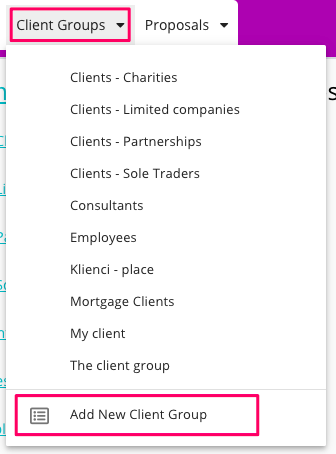
First, you need to create a Portal Group, if you do not have any
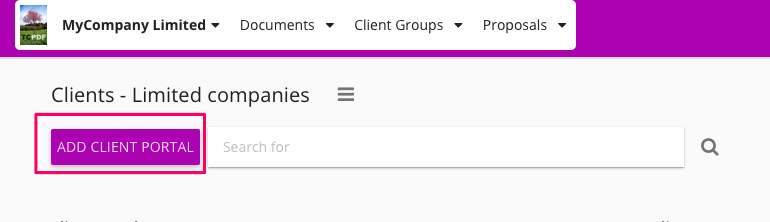
Once you have a Portal Group, enter it and then click "Create Client Portal" button:
There are two ways of creating a Portal
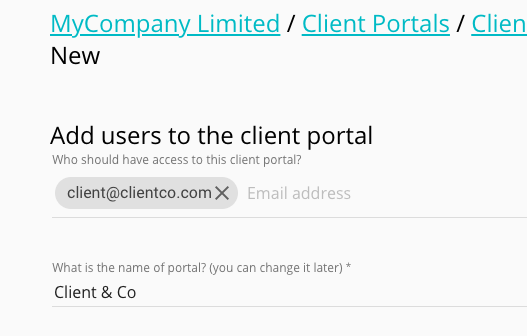
(1) create a portal and invite a client at the same time. In this case you need to provide your client's email address.
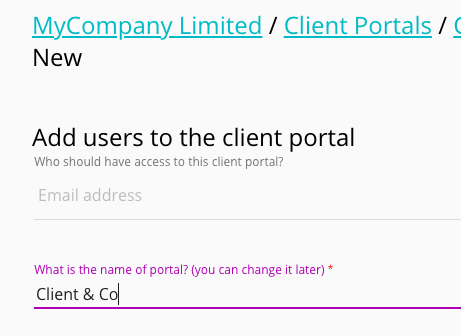
(2) create a portal without inviting anyone to it. In this case you should skip filling out the client's email address.