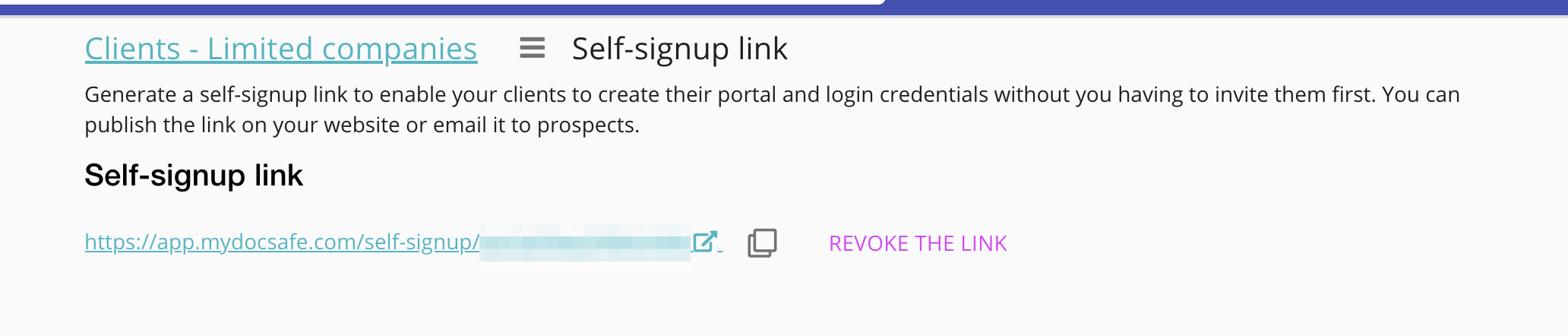
Self sign-up link to client portals
Self sign-up link to client portals
It is possible to create a self-signup link to client portals. This option is particularly useful if you would like to ask your clients to fill and sign a form that is embedded in a portal but do not have time to invite each client individually.
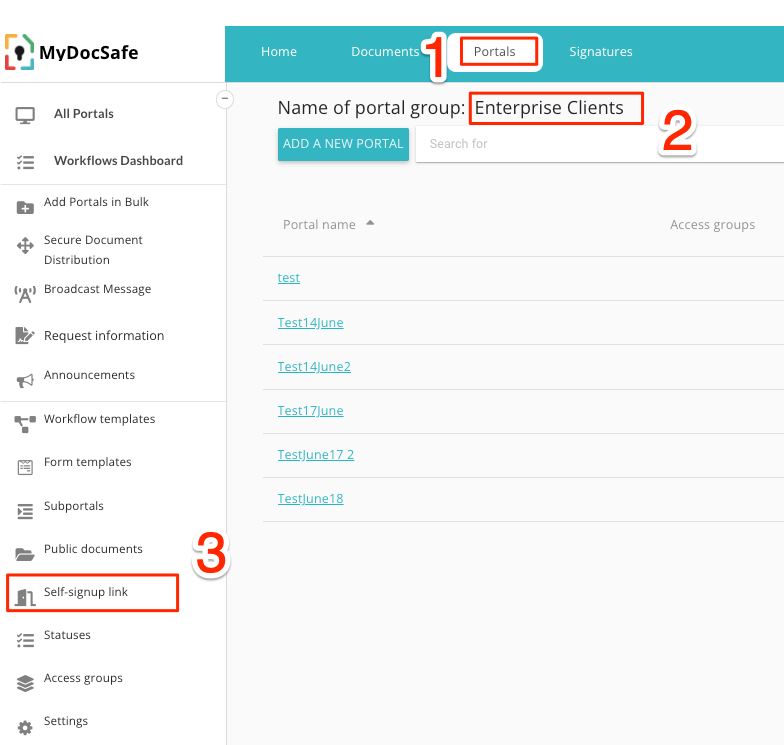
To generate a link go to your client group and select the "self-signup link" option as shown below:
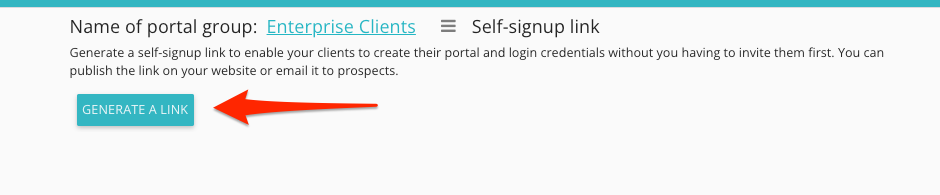
You can then enable the link by clicking "generate a link" button:
You can then share the link or publish it on your website. Please note that users who self-register that way will be added to "guest user licences". This means that you may hit a limit of guest users unless you have an 'auto-upgrade' option turned on. Some subscription plans do not have an 'auto-upgrade' option available. If you worry about hitting the limit, please contact customerservices@mydocsafehq.com to discuss our enterprise plans.
The link can be revoked at any time. If you use a subdomain or own domain for portals, the self sign-up link will respect that.