How to get rid of an incorrect email address from appearing in the dropdown
How to get rid of an incorrect email address from appearing in the dropdown
What if you sent a document for signing to someone and mistyped their email address. The email bounced, you received a notificaton, so you go back to your account and change the email on the esign request. All well and good.
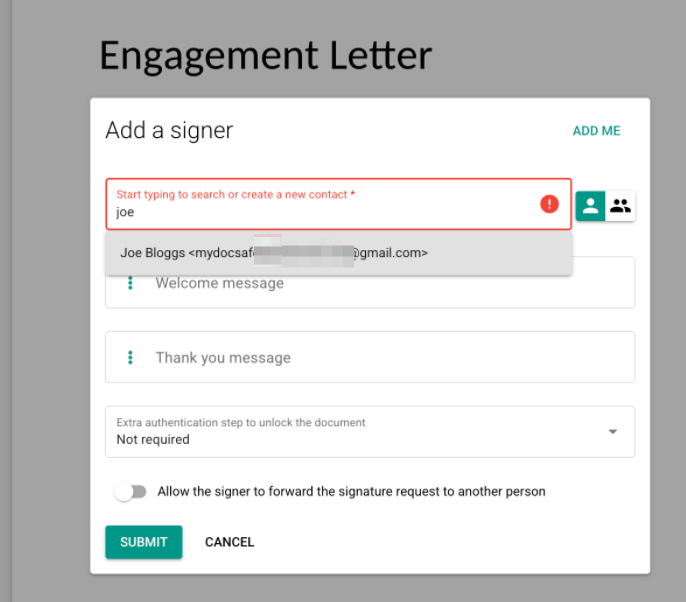
Next time you send a document to the same person, the incorrect email address still appears in the menu when you start typing the name:
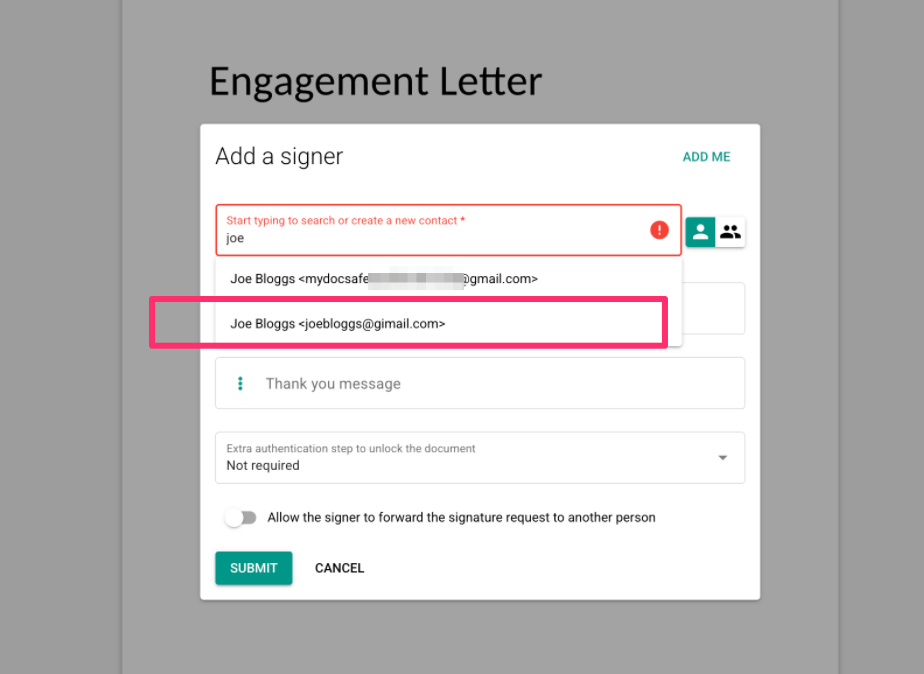
How annoying.
Getting rid of this email is easy:
go to Home/Contacts, find the culprit contact and remove it completely.
Next time you type the name of the same client, the incorrect prompt will disappear: